
Design Fundamentals for Business Owners
Summary
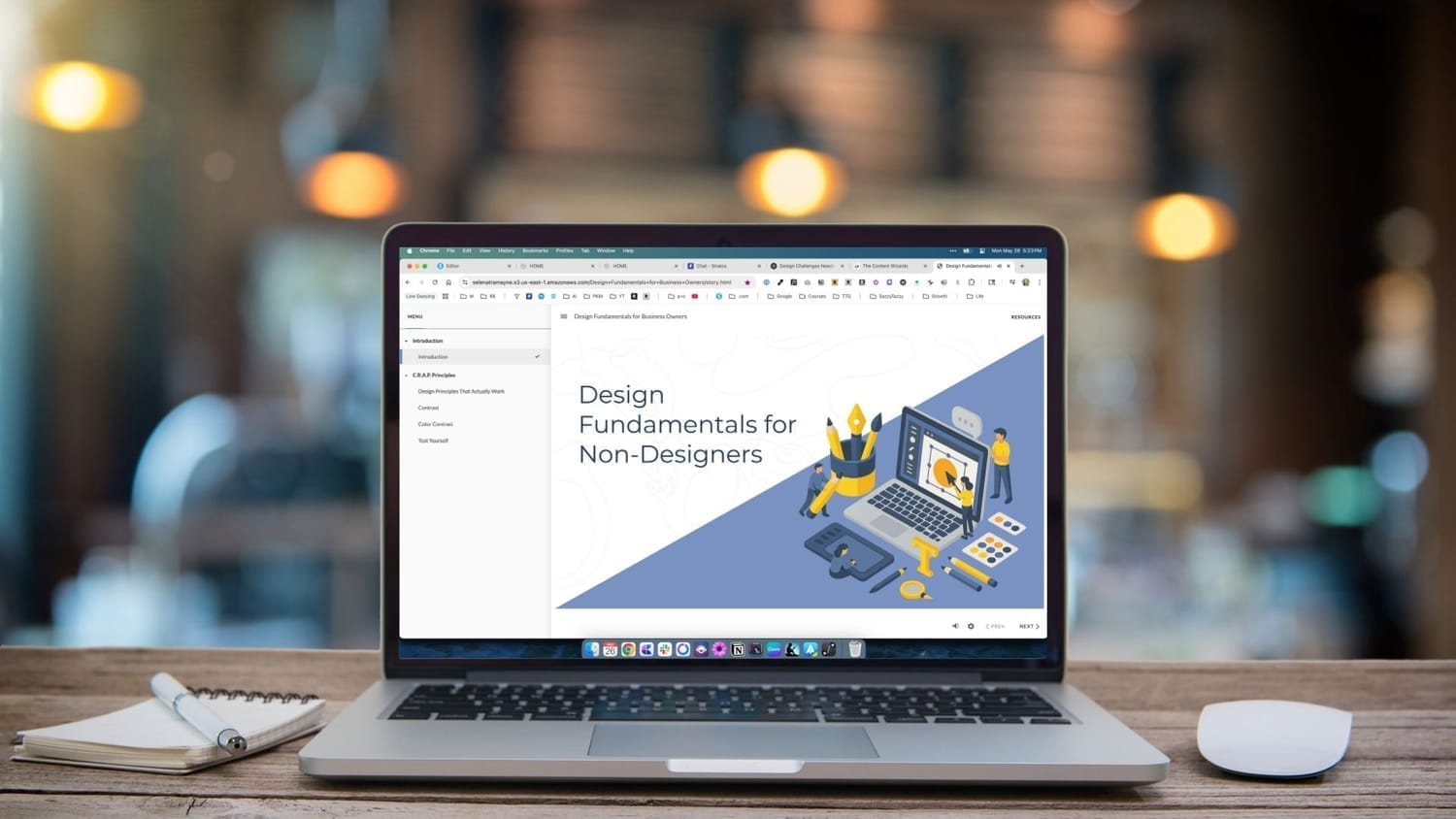
My goal with this training was to create a basic design course for business owners with no design background, using the features of Articulate Storyline.
This example shows the introduction and lesson one of the course. It includes a variety of elements such as text, AI graphic elements, interactivity, and AI audio narration.
I wanted to experiment with AI in three ways:
Using ChatGPT 4o's new Deep Search technology to conduct the needs analysis
Using Descript's AI audio narration
Using ChatGPT 4o's new image generation feature
The introduction is narrated by me. Lesson one is narrated with an AI voice.
Details
Type: Custom eLearning Development
Client: The Tramayne Group
Date: May 2025
Skills
Instructional Design
eLearning Development
AI Chat Prompting
AI Image Generation
AI Audio Narration
Video Editing
Tools
Notion. Needs analysis, outline and storyboard.
ChatGPT 4o. Images
Claude 3.7 Sonnet. Idea generation and writing.
Descript. Video recording and editing, AI narration
Articulate Storyline 360
The Design Process
Needs Analysis
I experimented with using ChatGPT 4o's new Deep Search feature to conduct the needs analysis. The screenshot on the right shows the first two categories of questions asked, Pain Points and Goals.
Other categories included Skill Level & Tool Use, Learning Preferences & Course Expectations, Pricing, and Competitor Analysis.
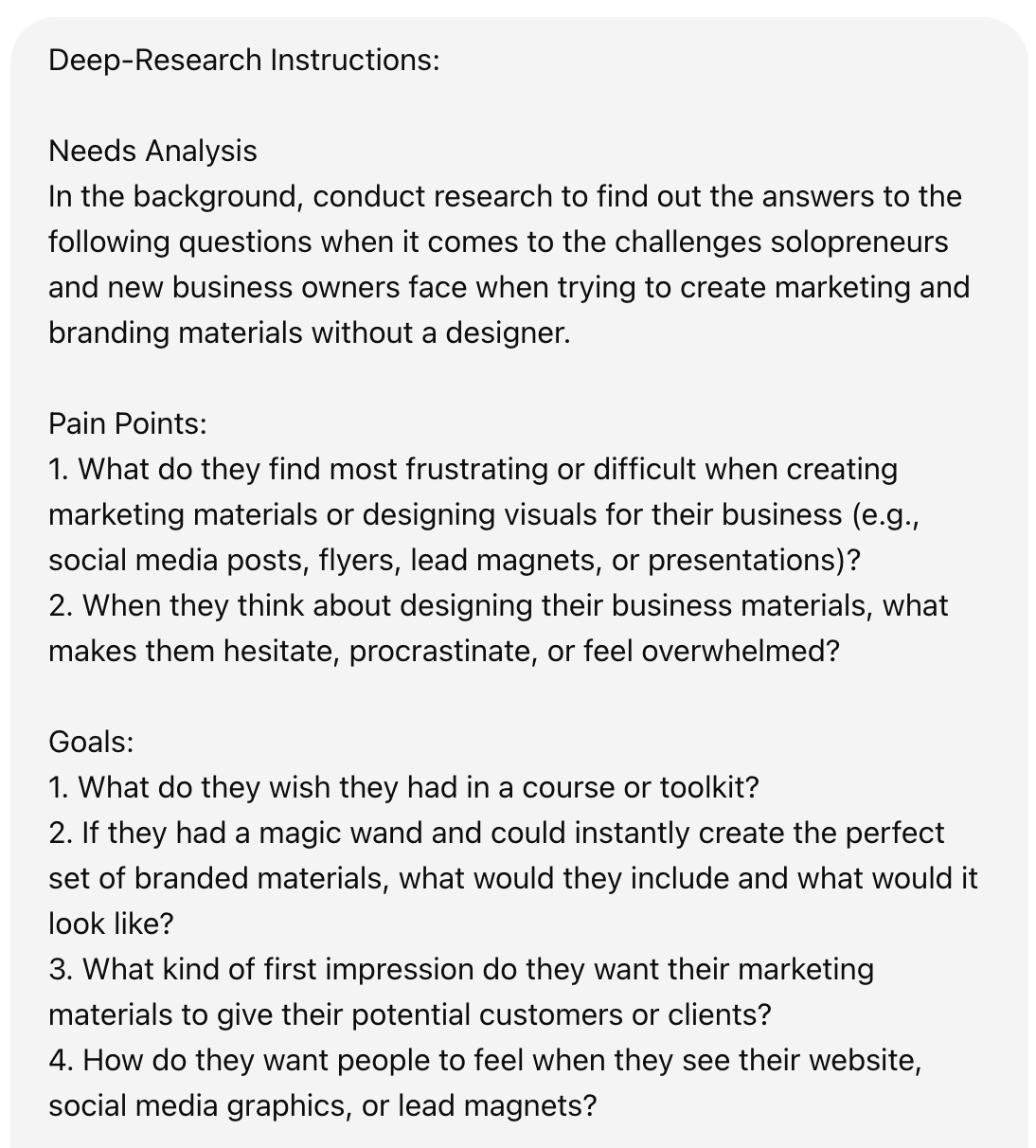
Screenshot of ChatGPT Deep Research Instructions
Outline and AI
From the above needs analysis, I worked with Claude 3.5 Sonnet, to develop the outline for the course. In the image to the right, you can see the prompt used and the beginning of the AI outline.
I also shared an updated writing style guide so that it would write the copy in my voice and writing style.
After a few iterations and quite a few tweaks, I was ready to have it write the draft of the storyboard.
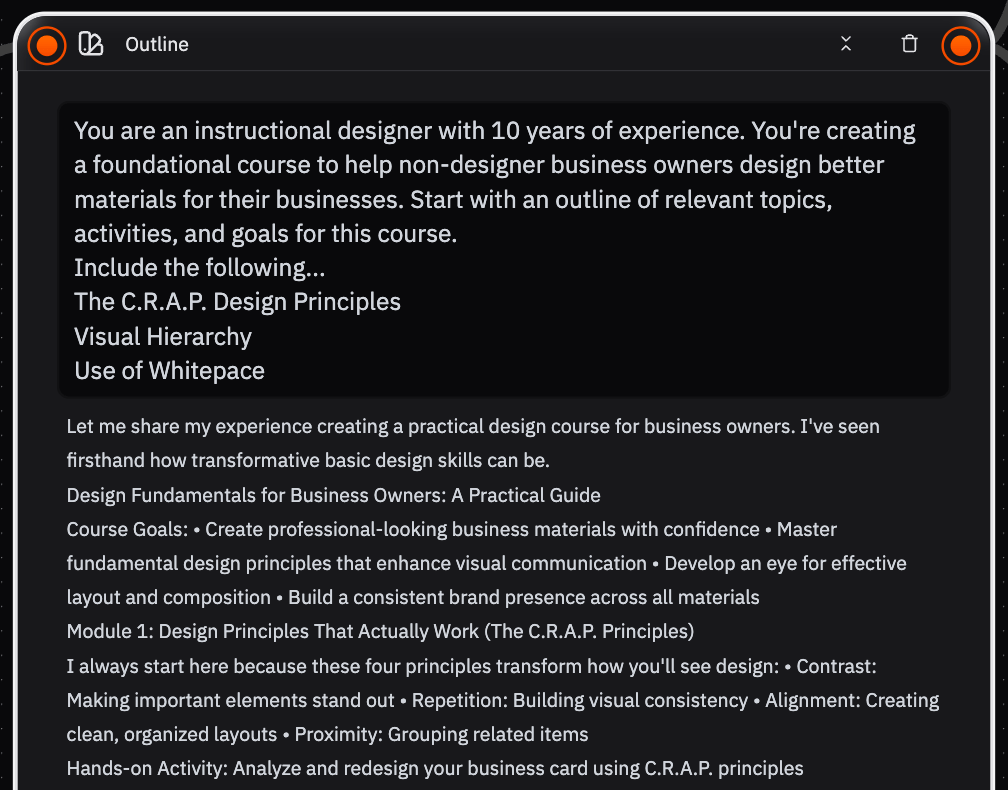
Screenshot of Outline Prompt & AI Response
Storyboard and AI
Once the outline was ready, I added it back to the Claude chat and had it start the storyboard using a table format.
I pulled that into Notion and made the updates. I chose a simple table format like the one on the right because it made it easy to copy the audio narration column into Descript so I could try out it's AI audio narration feature
You can hear what it sounds like in Lesson 1 of the course.
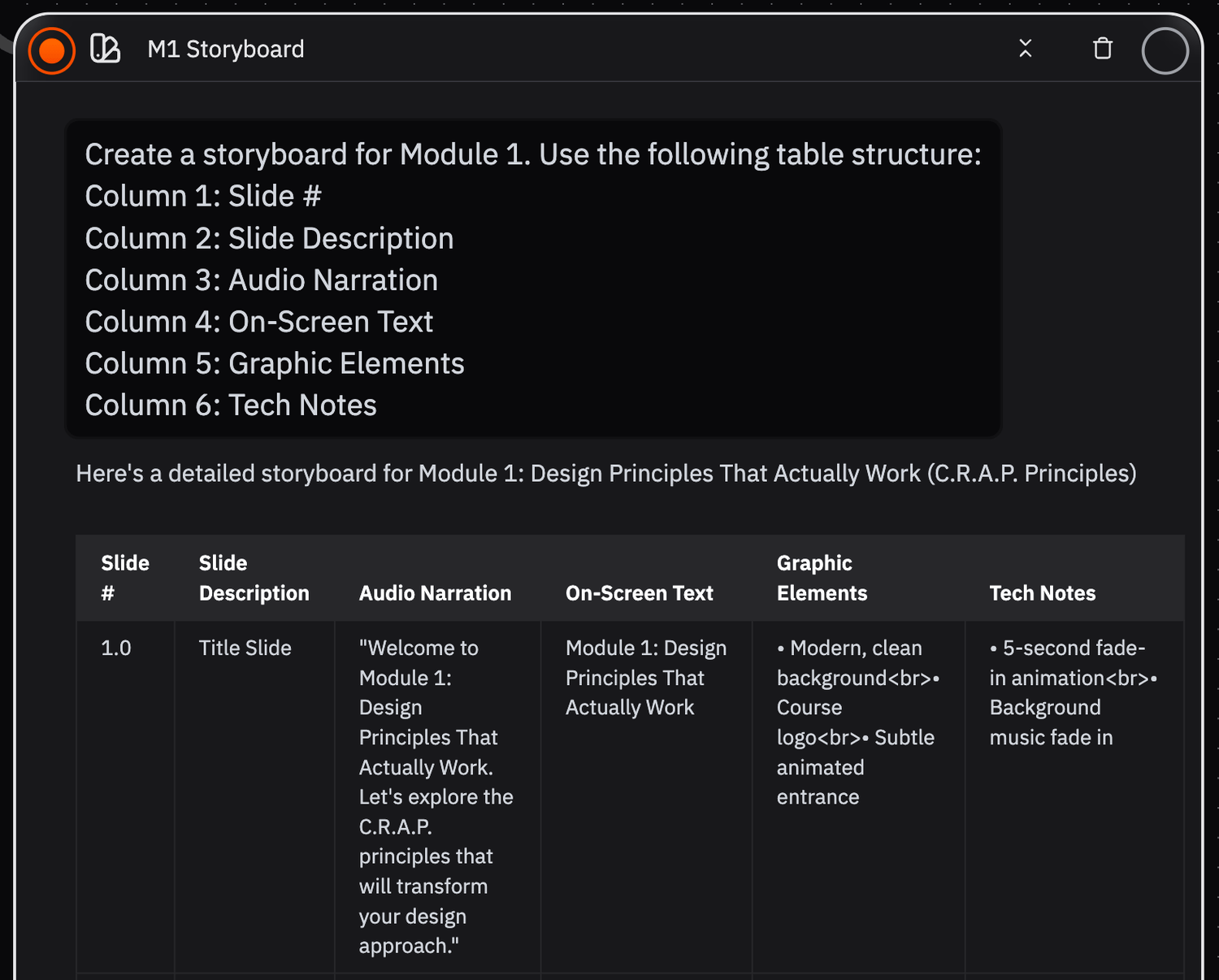
Screenshot of Storyboard Prompt & AI Response
Development
Finally, I developed this training in Storyline 360 so I could add animations and interactive components.
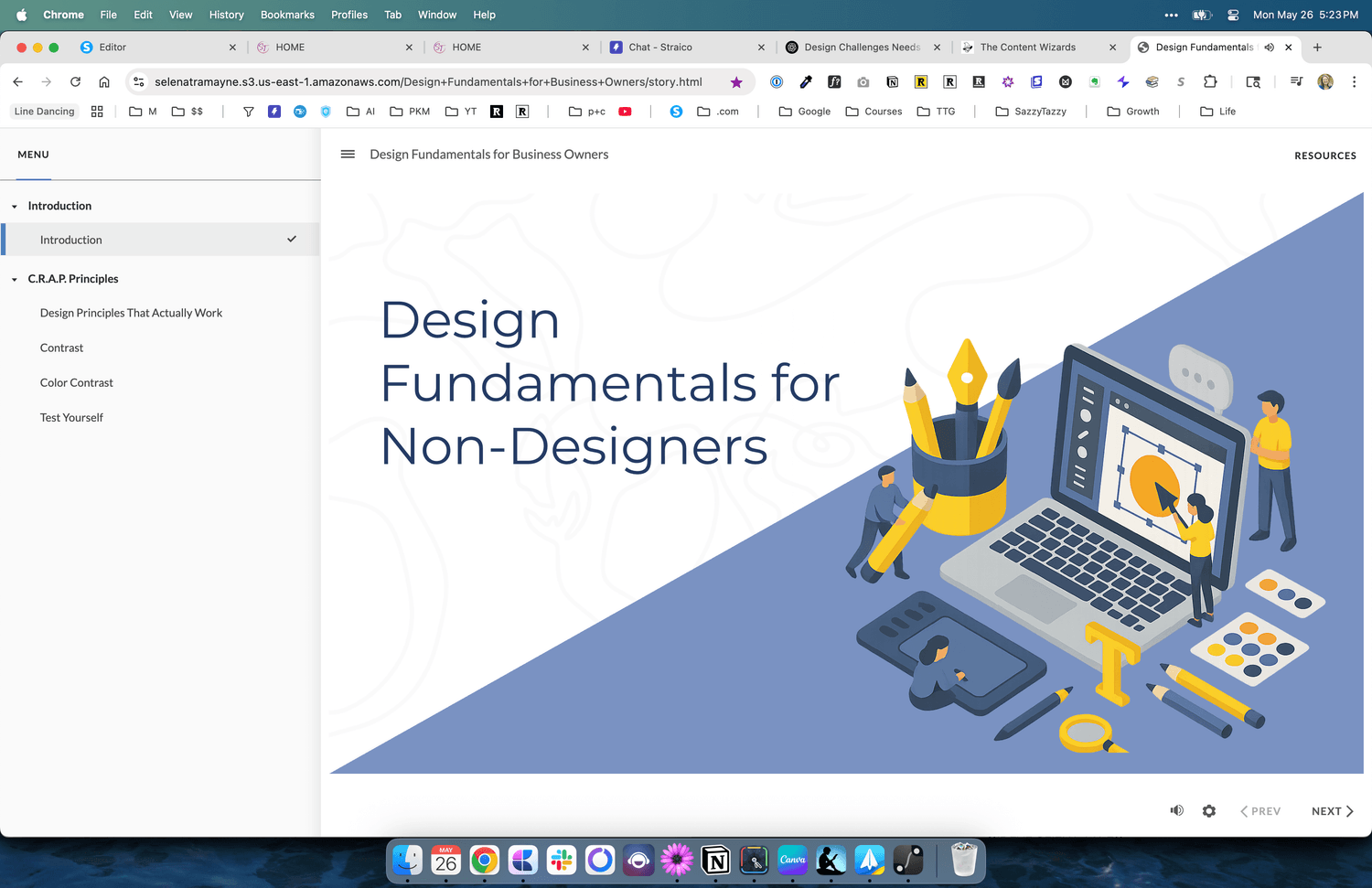
Screenshot of Welcome screen in Storyline
© Selena Tramayne